
Play it like a game.
Learn it like a drummer.
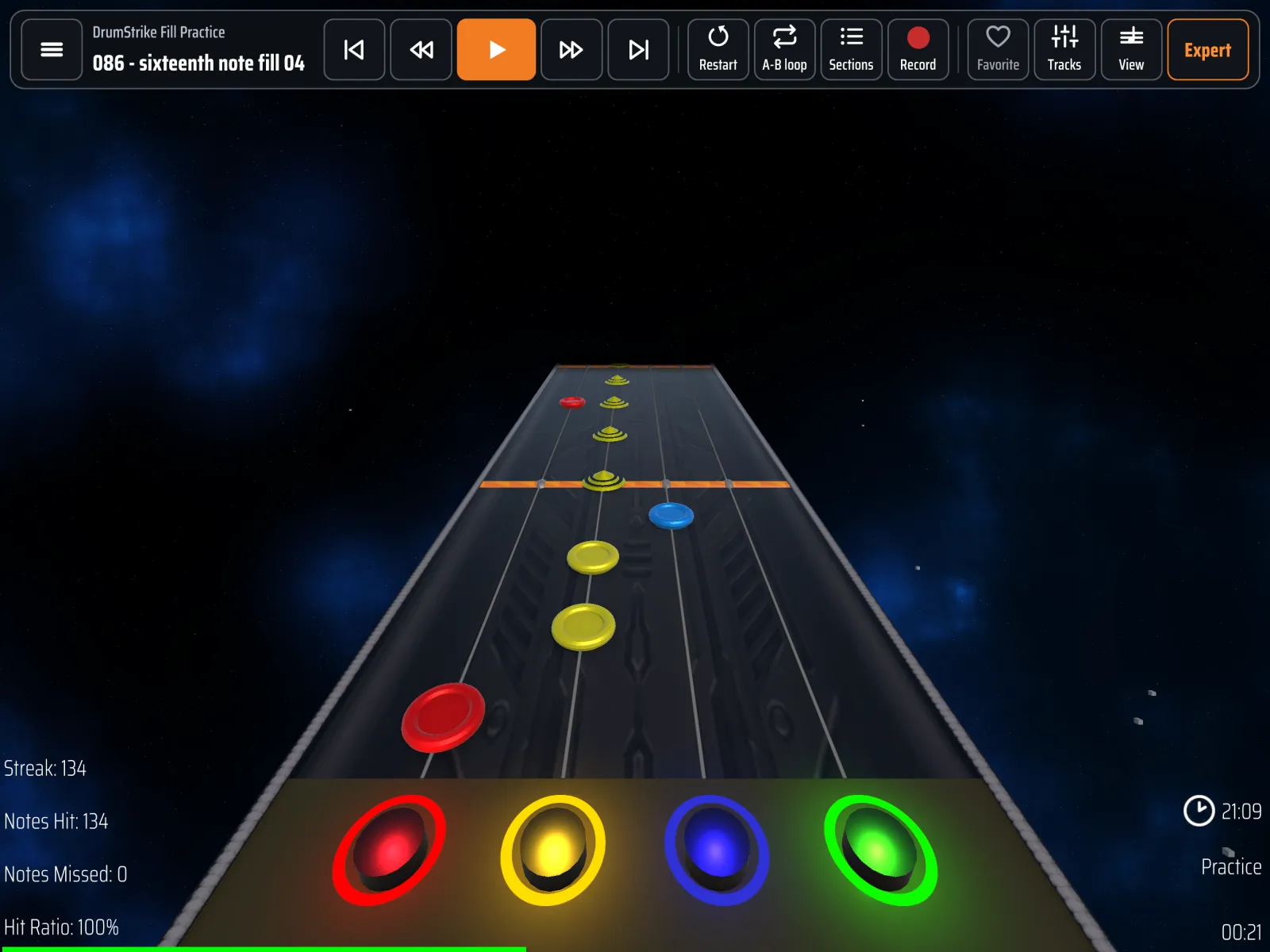
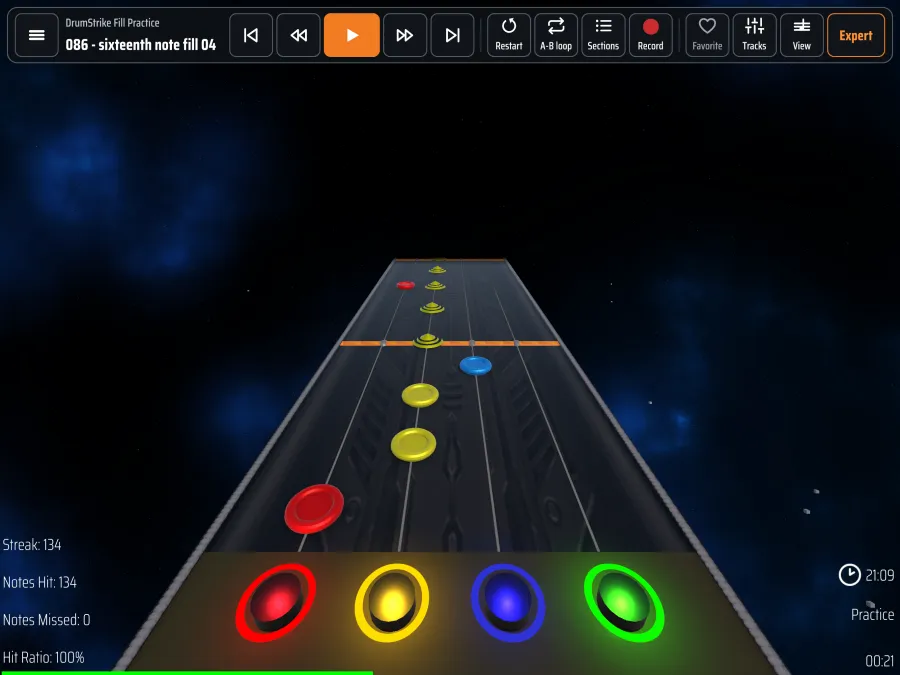
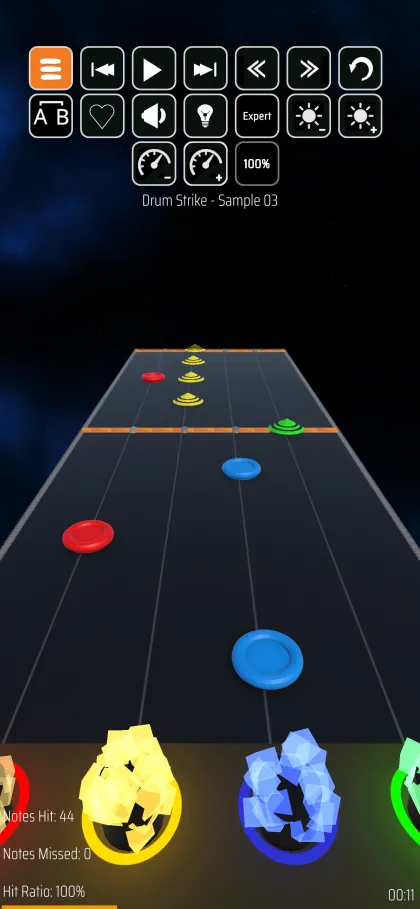
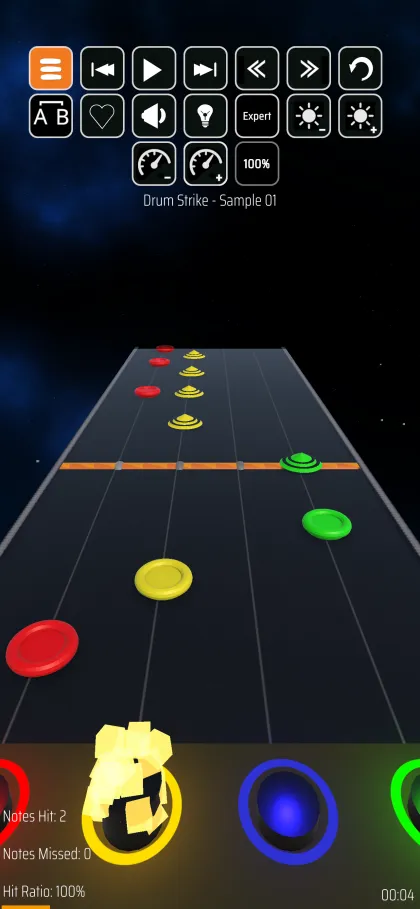
DrumStrike is a free, drummer-focused rhythm game for iPad and iPhone. It's fast, responsive and easy to use, and it plays community-created or your own charts: .chart and .mid files.

Made for iPad. Great on iPhone.
Built for drummers
Everything you need to practise with real songs, without getting in your way.
Bring your own songs
Play community-created or your own charts in Pro Drums, 4-lane and 5-lane (notes.mid, notes.chart, song.ini), plus General MIDI drum files and plain MP3s.
Connect your e-drum kit
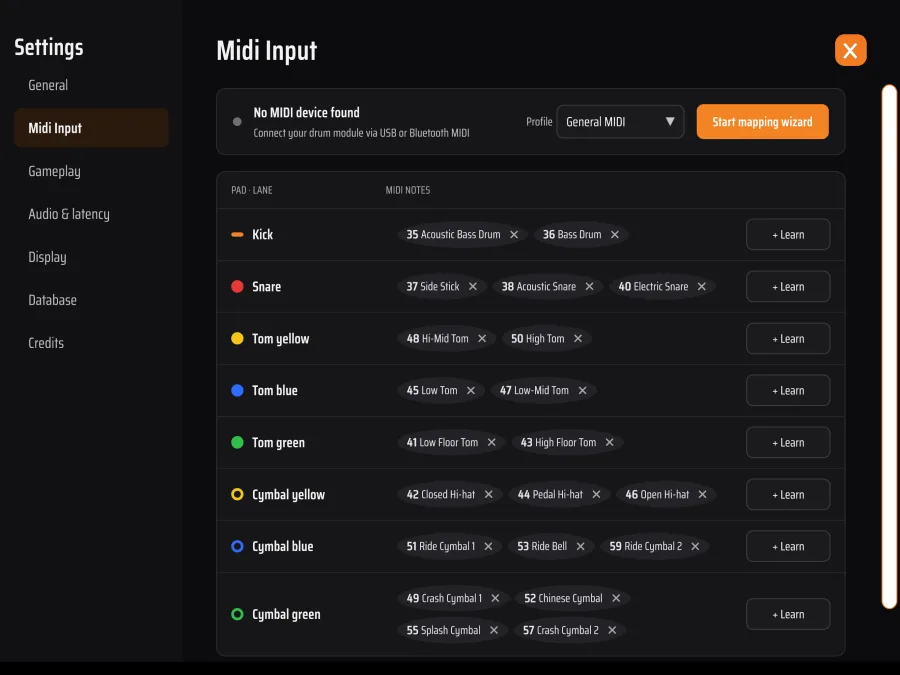
Plug in over USB-MIDI. The setup wizard detects your kit, and you can map pads by hitting them or start from a General MIDI or Roland V-Drums profile.
Drum notation
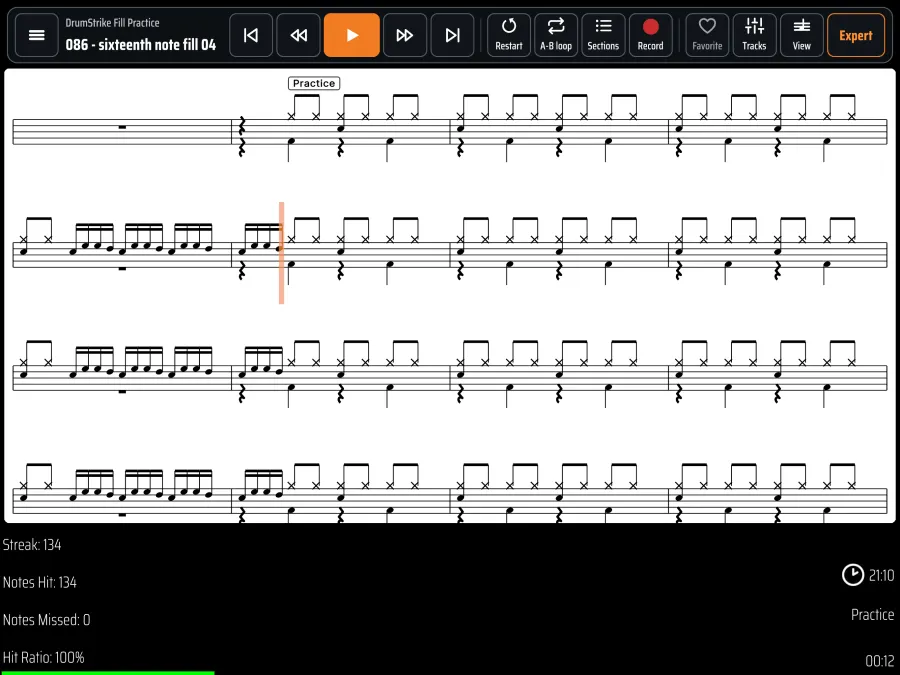
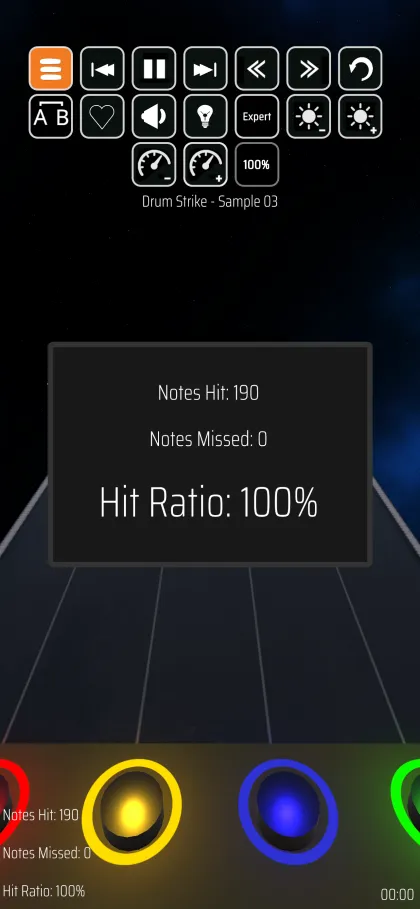
Read the drum part as sheet music, on its own or above the highway. Hit notes turn green, missed notes turn red, and you can tap a bar to jump there.
A-B loop & sections
Set A and B points, or loop a whole section from the sections panel. Slow the song down until you've nailed the part.
Multitrack mixing
Switch drums, bass, guitar, vocals, keys and crowd on or off while you play. Mute the original drums and play the part yourself.
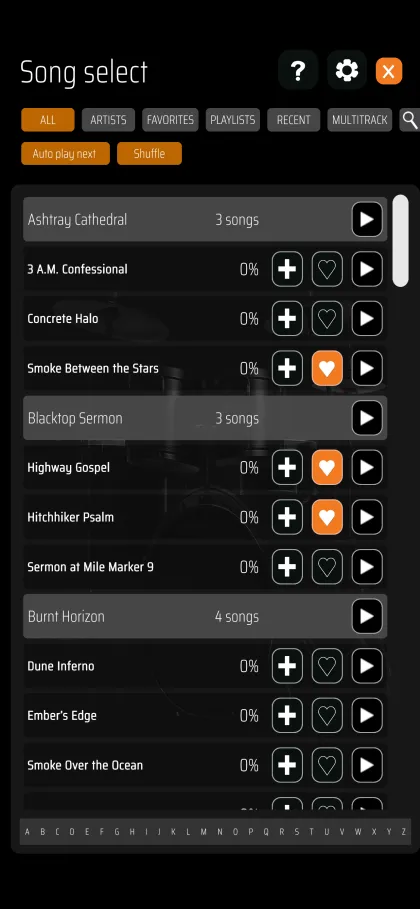
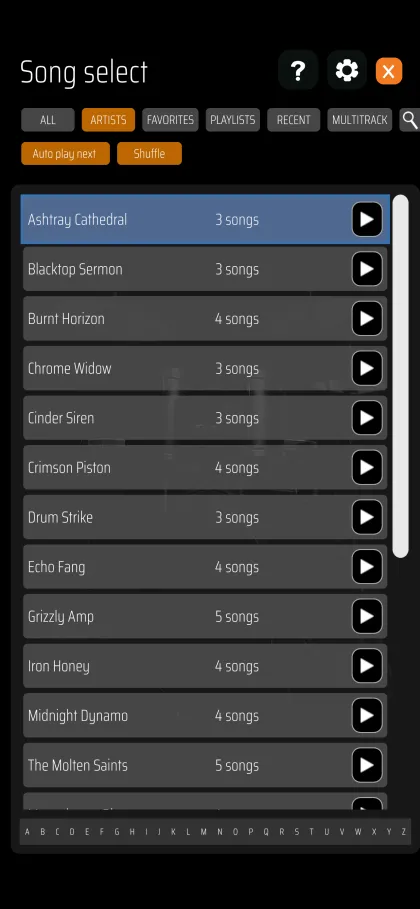
Fast song menu & playlists
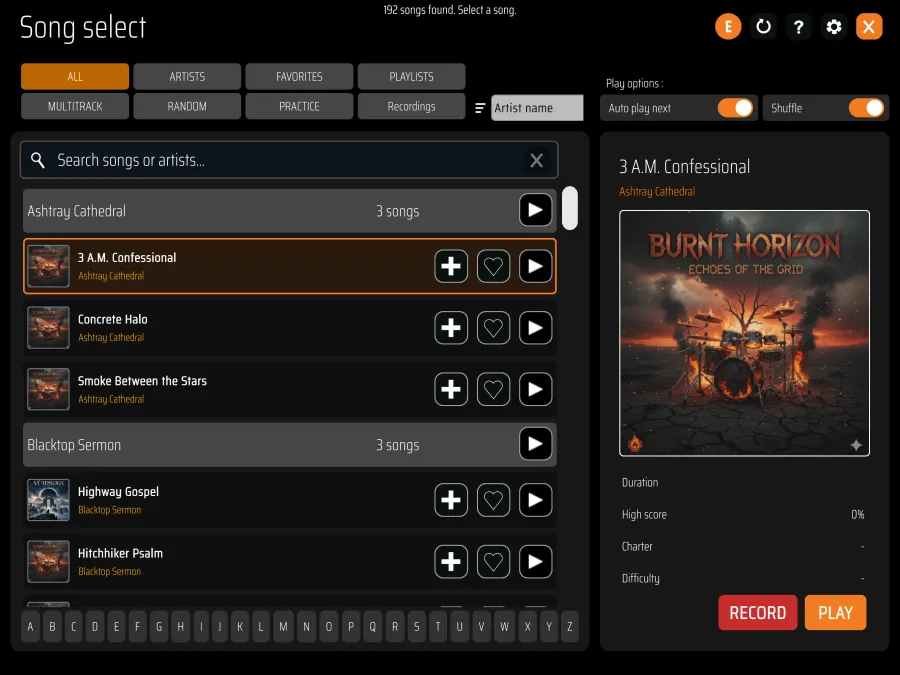
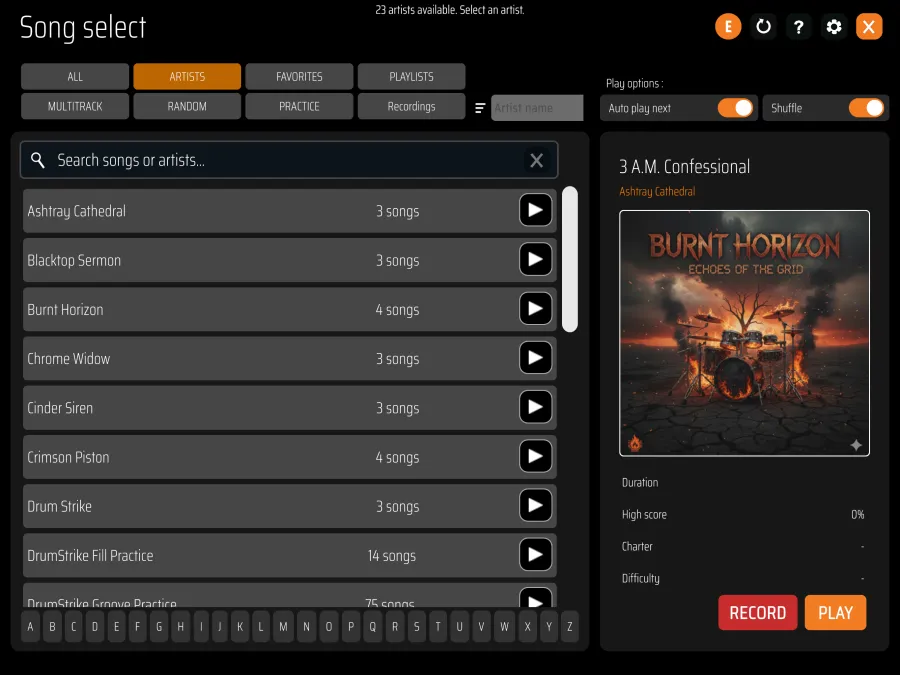
Search, filter and sort by title, artist or difficulty. Build playlists, reorder them by drag and drop, and play a whole setlist in one go.
Record yourself
Record your playing with the microphone, mix it with the song tracks, and share it or export it as MP3.
Latency calibration
Measure your input latency by playing along with a click. DrumStrike suggests a correction when your hits drift early or late.
Song previews
Hear a song's preview while you browse, with every track in sync, before you commit to playing it.
Up and drumming in minutes
Prepare your songs
Use songs you made yourself, or community-created song files that are free to use or that you own the rights to. Each song is a folder with a chart, audio and a song.ini.
Copy them to DrumStrike
Open the Files app → On My iPad (or iPhone) → DrumStrike and drop in your song folders, or copy them with Finder over USB. Then tap Refresh in Song select.
Connect your kit & play
Plug in your e-drums over USB (or connect them over Bluetooth MIDI). The setup wizard maps your pads and measures latency in about three minutes.
We do not support or endorse piracy. DrumStrike doesn't include, sell or link to copyrighted music, and we ask everyone who uses the app to do the same: only play songs and audio that you own or have permission to use. Read more
Recent updates
Redesigned song player menu
Labelled controls, a sections panel, auto-hide, and tap-to-jump in the drum notation.
Read more → Oct 3Hit windows & smarter latency
Strict to Relaxed timing, a visible hit zone, and automatic latency suggestions.
Read more → Oct 2Drum notation & song previews
Read the drum part as sheet music, hear previews while browsing, and reorder playlists.
Read more →Join the community
Questions, feature requests or song tips? Come say hi on Discord.